Open Source & Free
A terminal for the
modern developer Beta
Fast, minimal, and built on web technologies.
Designed to get out of your way.
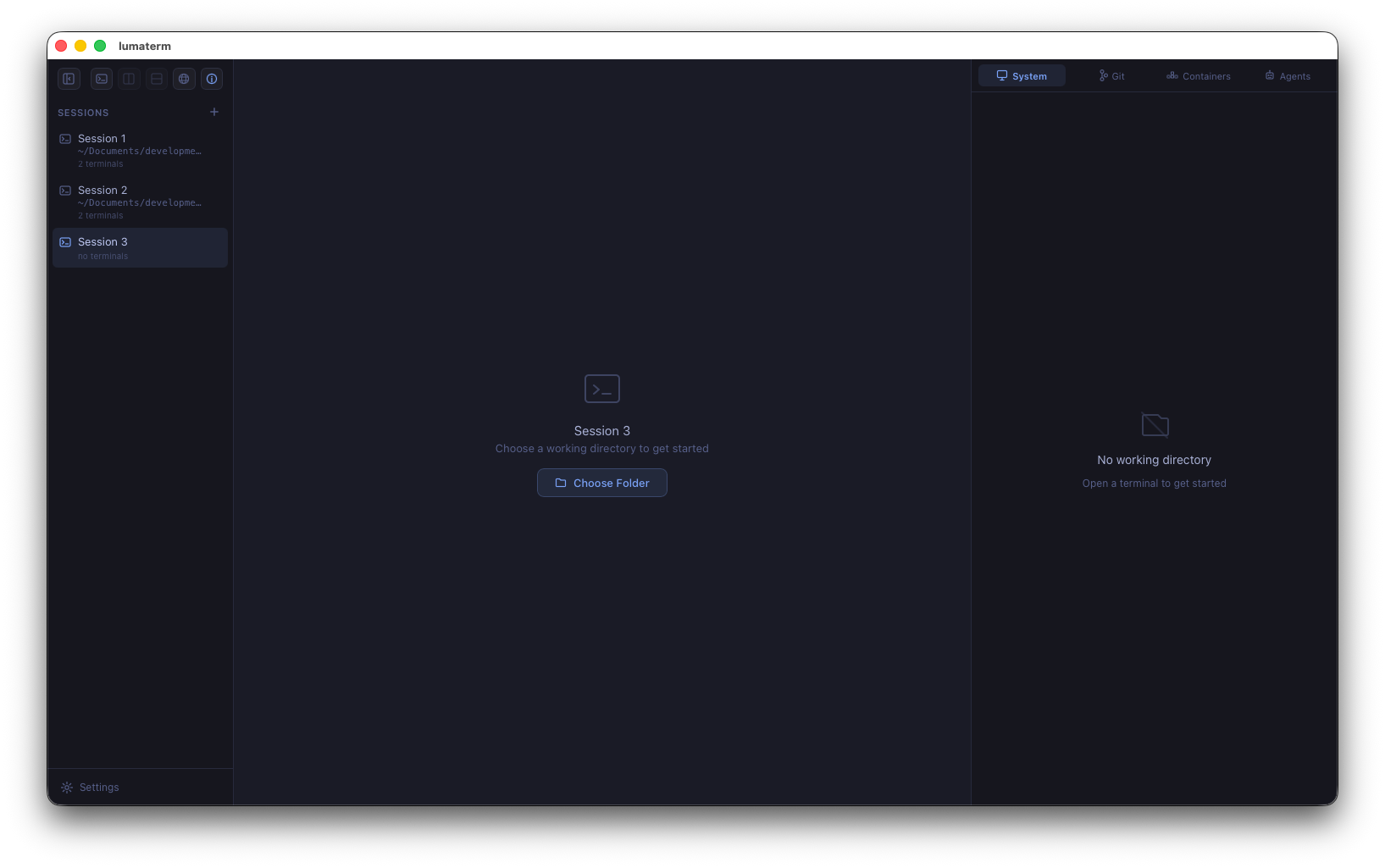
Fast, minimal, and built on web technologies.
Designed to get out of your way.
With Multiple Sessions
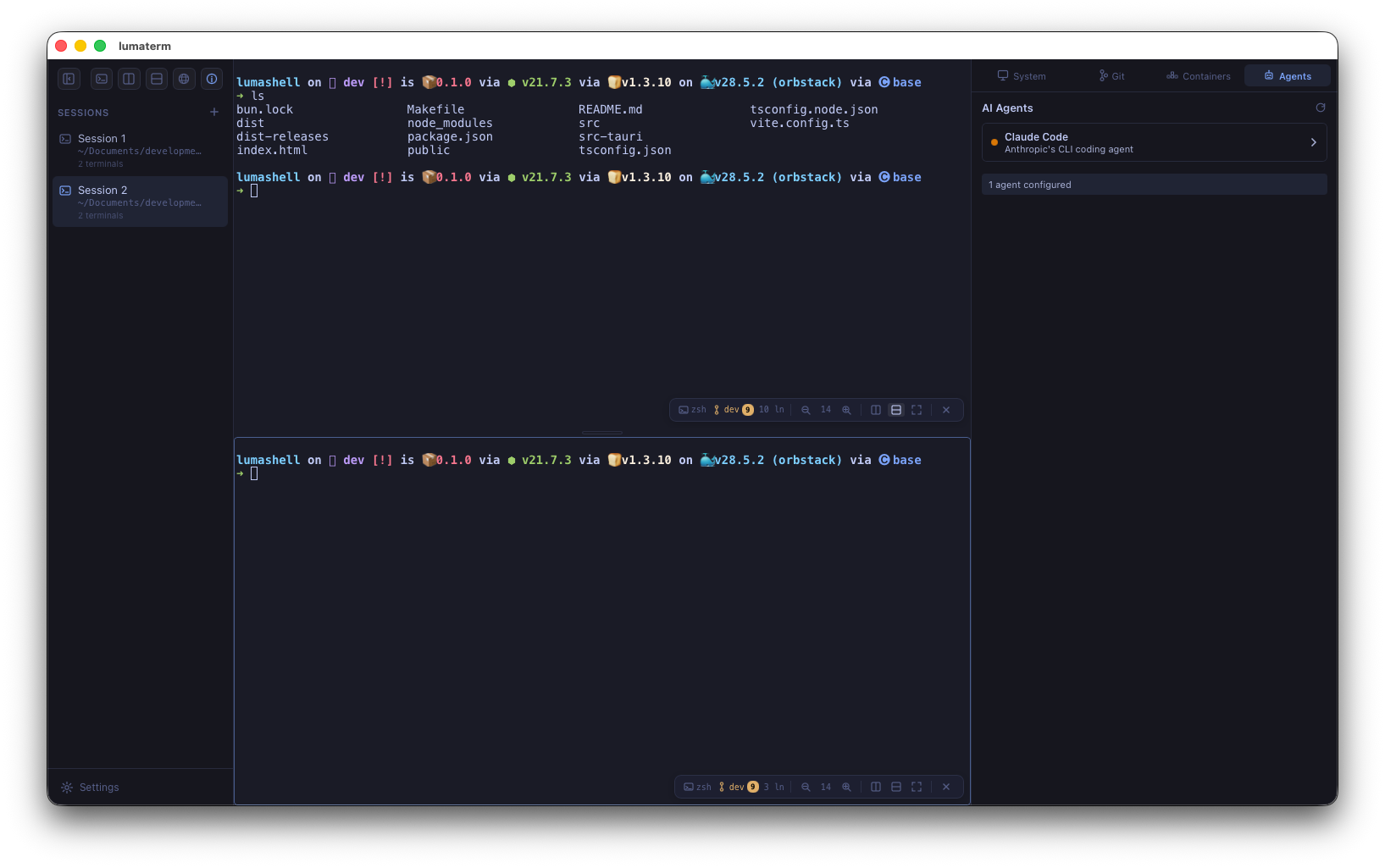
Split panes vertically or horizontally. Zoom any pane to full screen. Navigate between panes with arrow keys. Each pane tracks its own working directory and shell.
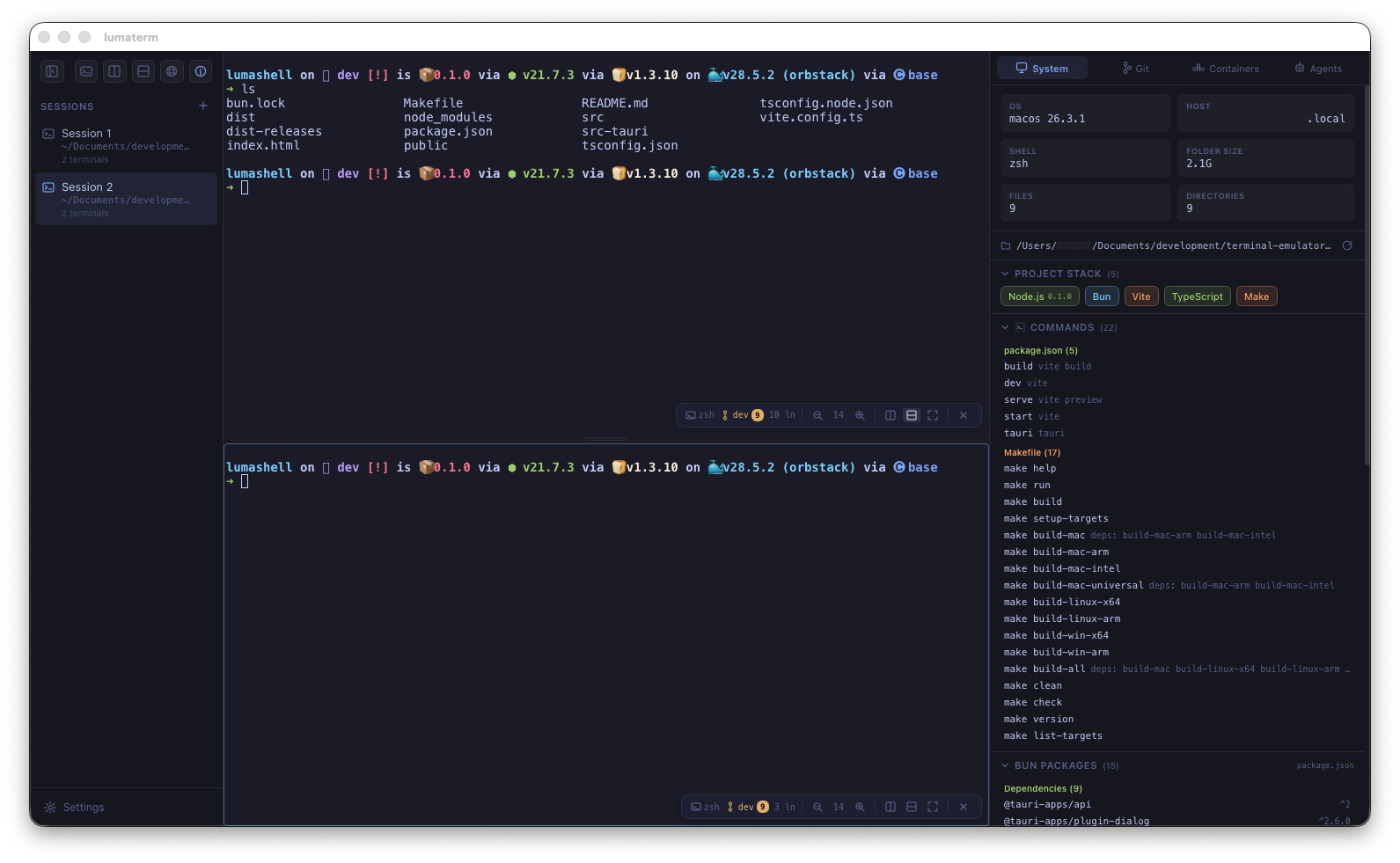
A full git panel built right in. Visual commit graph with branch lanes, file change tracking, staged vs unstaged diffs, and ahead/behind indicators. Real-time updates via file watching.
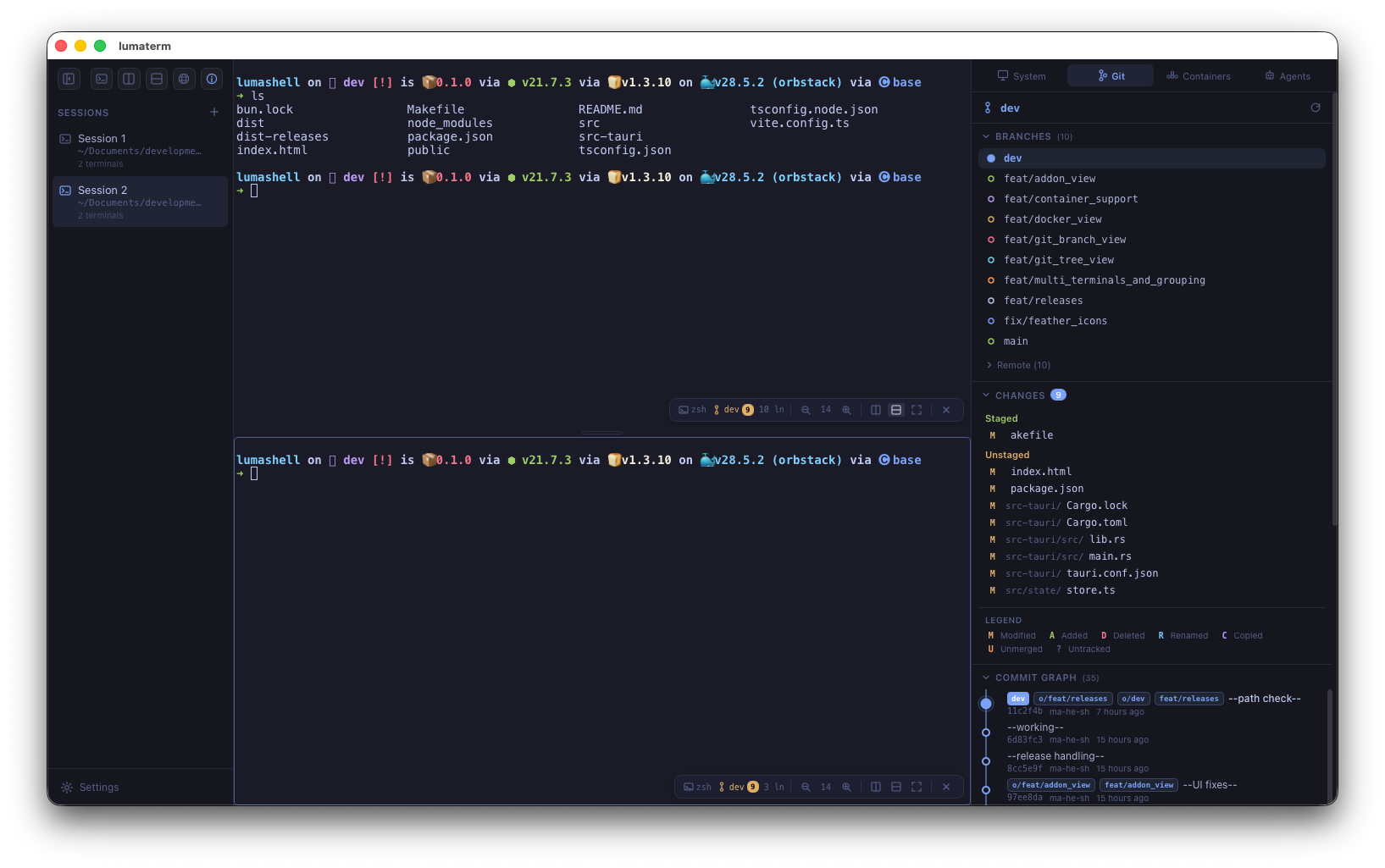
Monitor Docker containers, images, and volumes. View Kubernetes pods, services, and deployments. Stop, restart, or remove containers. Detect docker-compose projects automatically.
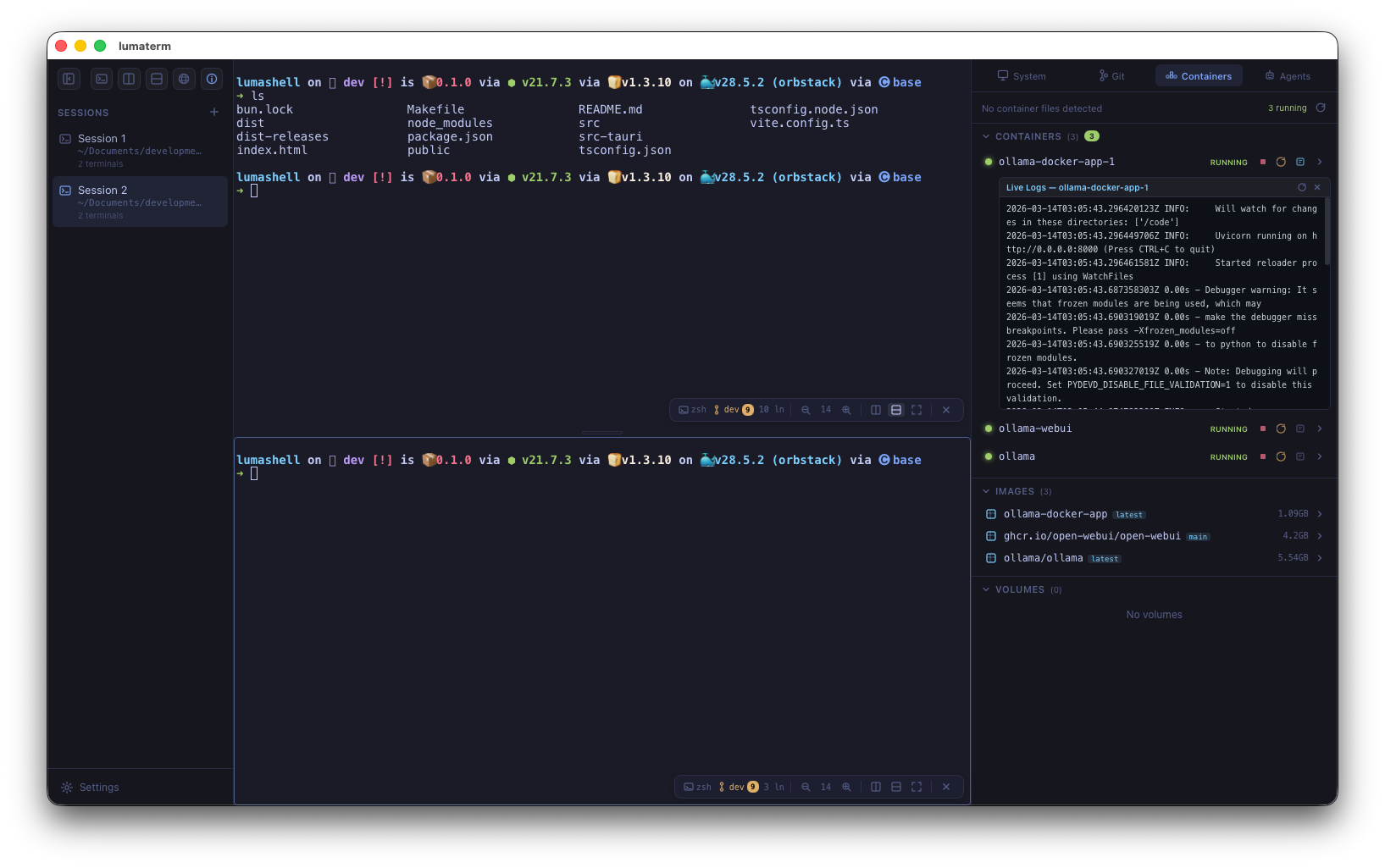
LumaTerm will auto-detect coding agents installed on your system — Claude Code, Cursor, GitHub Copilot, Aider, Cline, Windsurf, Amazon Q, Codex, and more. See configs and status at a glance.
Every action has a shortcut. Stay in flow.
LumaTerm is built with these incredible open-source projects.
Desktop app framework. Native Rust backend, tiny binaries, no Electron.
Terminal emulator component. Powers VS Code's terminal and many others.
UI framework. Declarative component model for the entire interface.
Cross-platform pseudo-terminal. Spawns and manages shell processes in Rust.
State management. Lightweight, fast, and minimal boilerplate.
Systems language. Memory-safe, blazing fast, powers the entire backend.
Available for macOS, Linux, and Windows.
Loading releases...
LumaTerm is free, open source, and ready for your workflow.